
Payout Group Overview
A "payout group" is a collection of Payouts for a sales representative. A "payout group" can be used for many things, but is primarily used for collecting Payouts for a specific rep for a specific pay period.
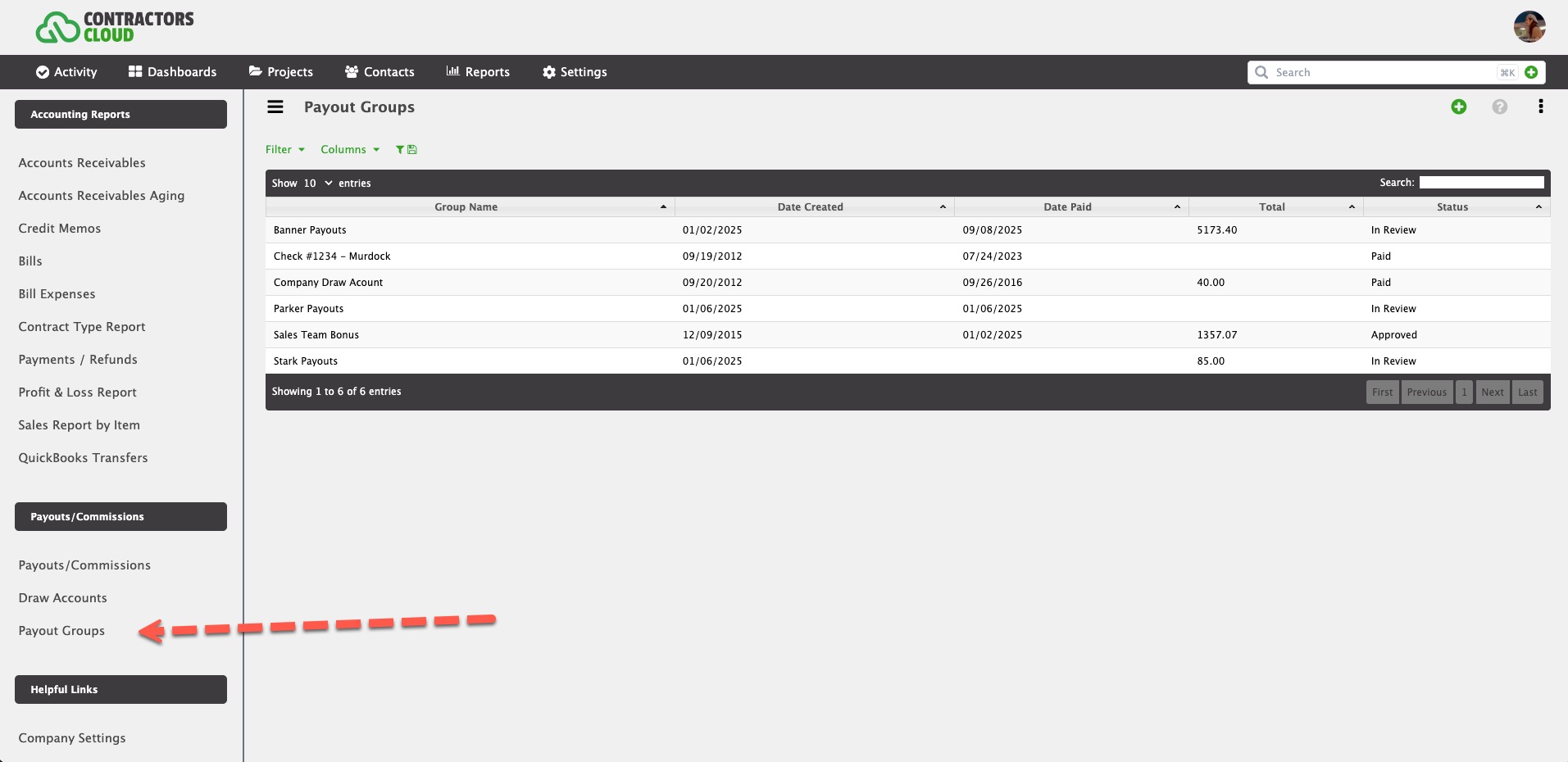
Payout Groups are accessed within the Payouts/Commissions Report and the Account and Sales Manager Dashboards.
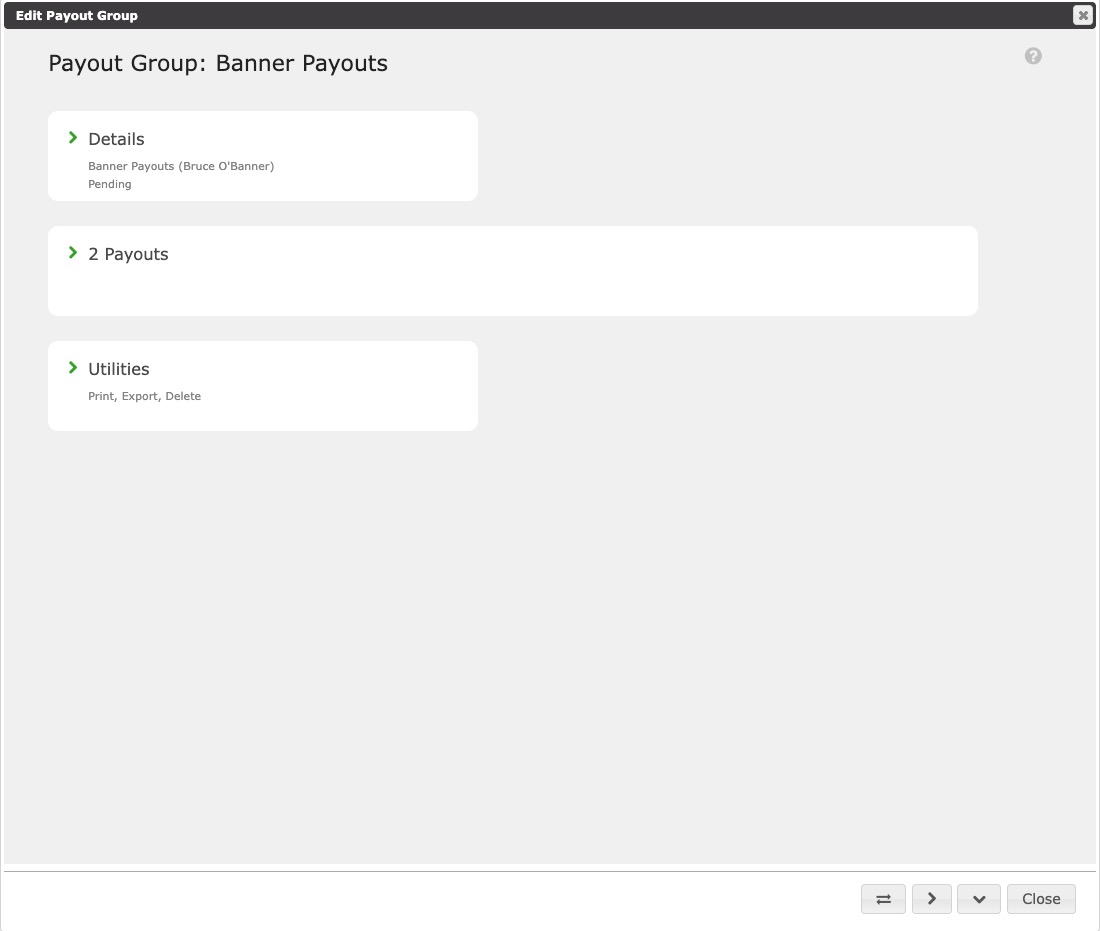
Details
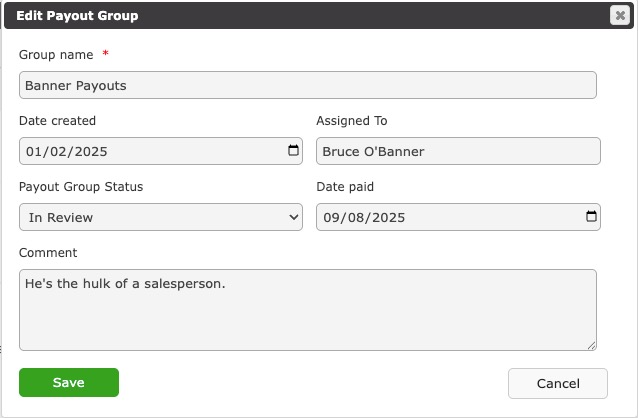
Group name - This is the descriptive name of the Payout Group (i.e. Company Draw Account, Payroll - September 2024, Payroll, Sales Rep - September 2024, etc.)
Date created - This is the date the payout group was created.
Assigned To - The rep the group is assigned to (OPTIONAL).
Payout Group Status - This is the status of the payout group. NOTE: When a Payout Group is marked Paid, then all Payouts within the group will automatically be marked as Paid.
Date paid - This is the date the payout group was finalized with a payment to the rep.
Comment - This is an additional comment describing the payout group.
Payouts
These are the payouts belonging to a group.
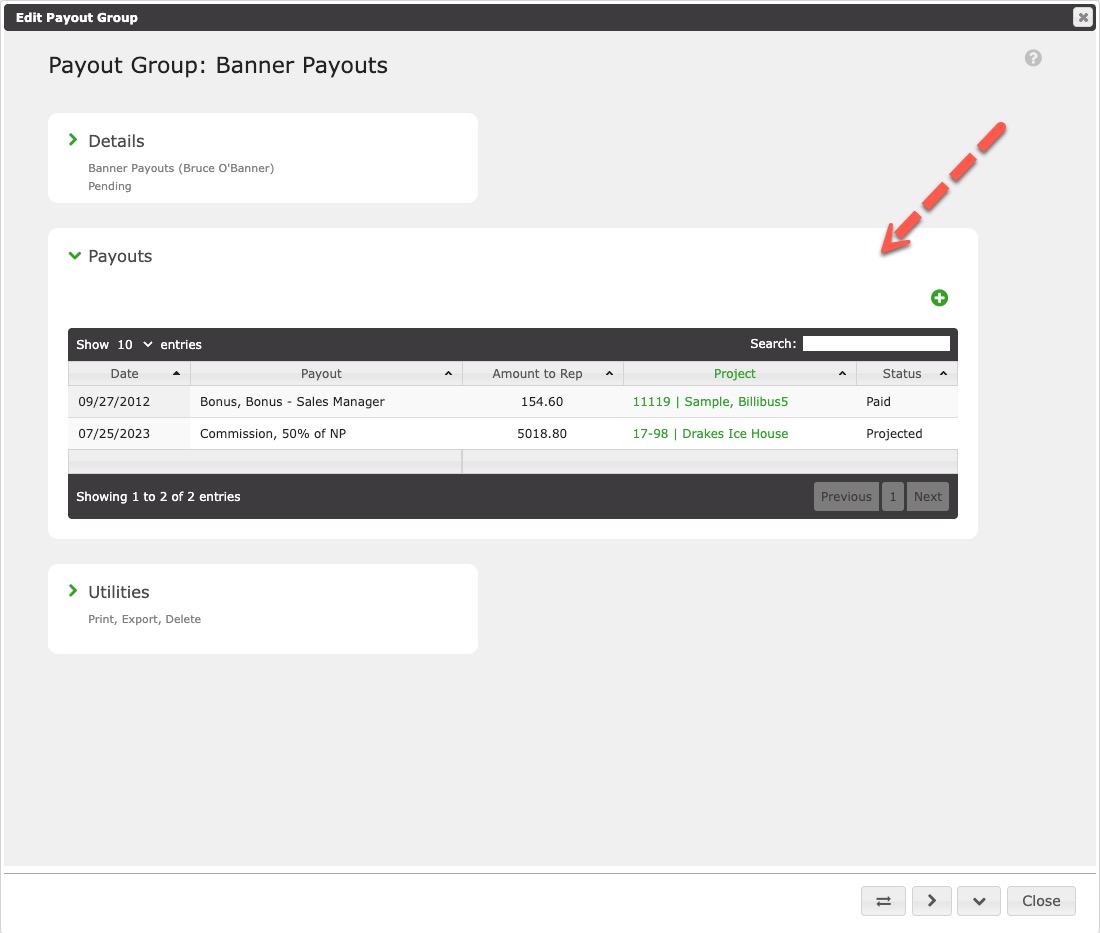
To assign a payout to a group, open the payout details and assign the group.