
Company Payouts
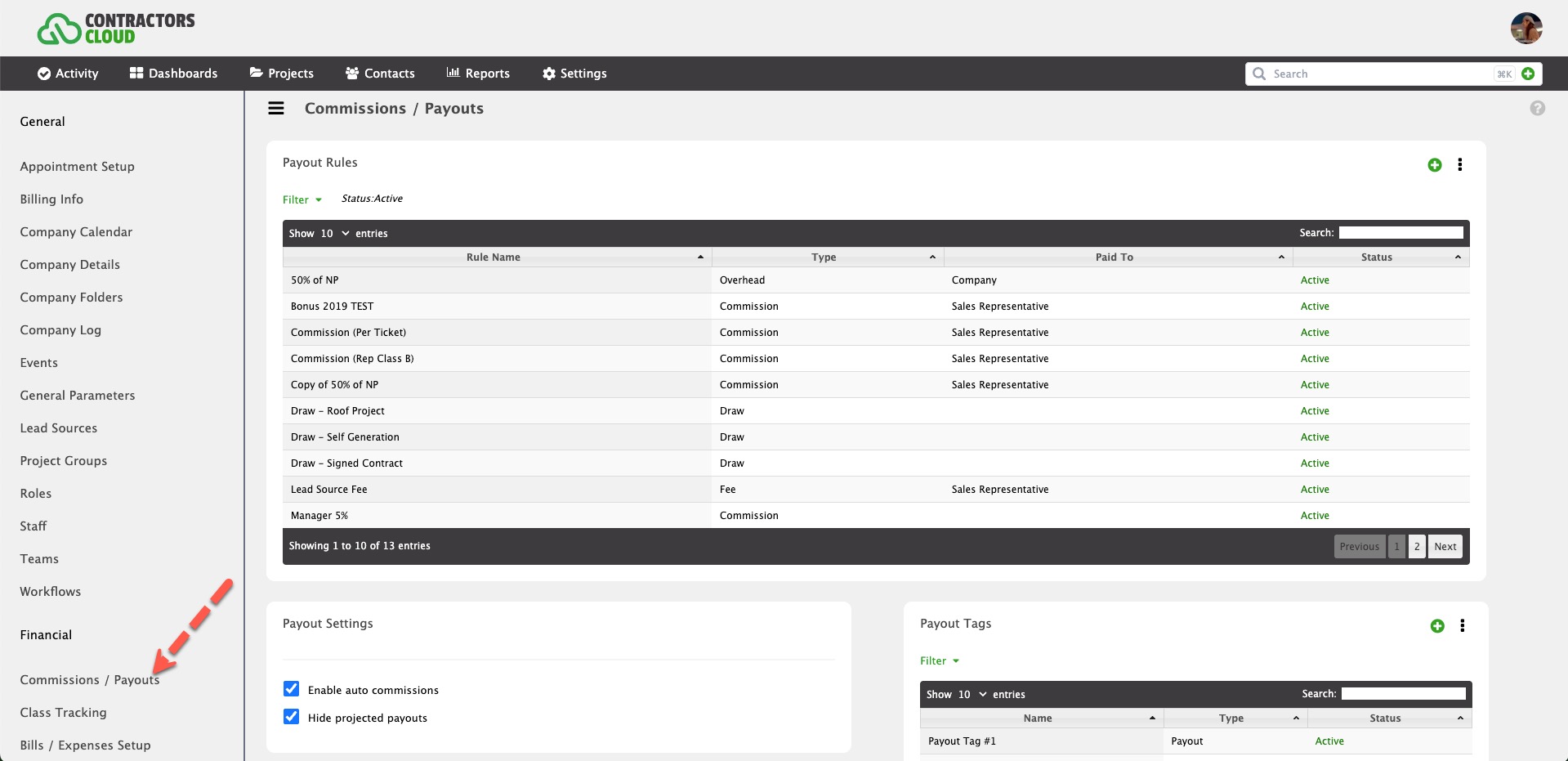
This is where custom payouts and commissions are created and managed. Payout Rules and settings are managed in Commissions / Payouts within Company Settings (permission required).
Payout Rules
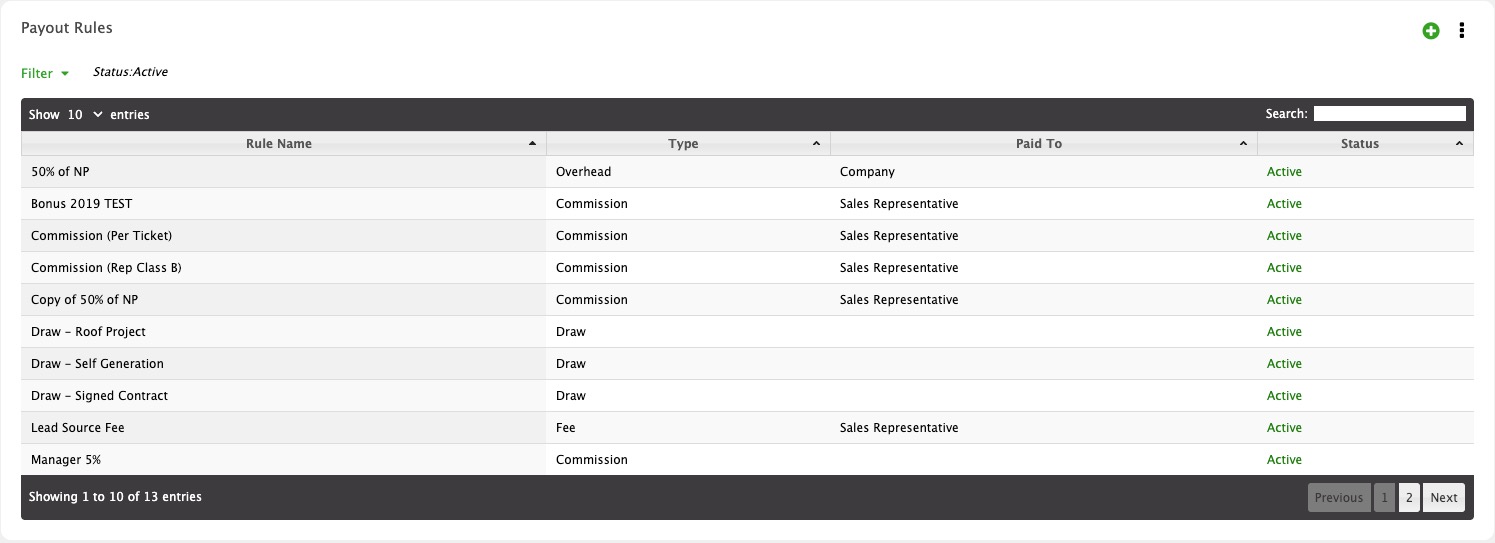
Payout Rules are templated criteria and rules that automatically create payouts/commissions within a Project Contract.
Importing Payout Rules
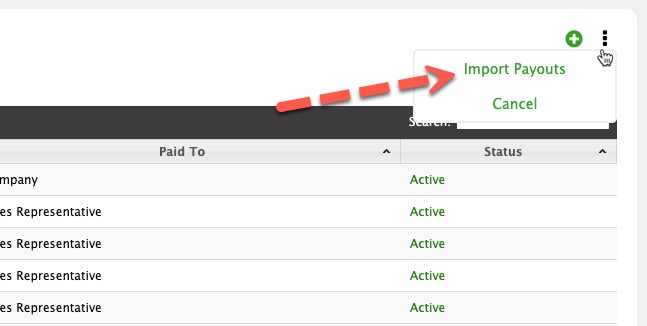
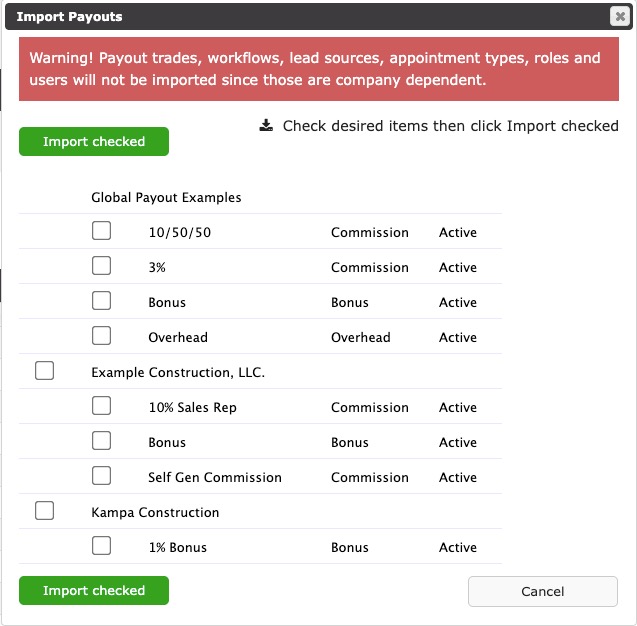
Click Import Payouts to import from a Global library or active rules from another one of your account's companies.
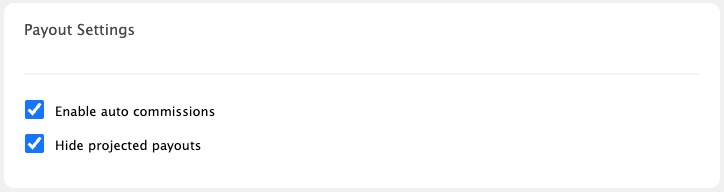
Payout Settings
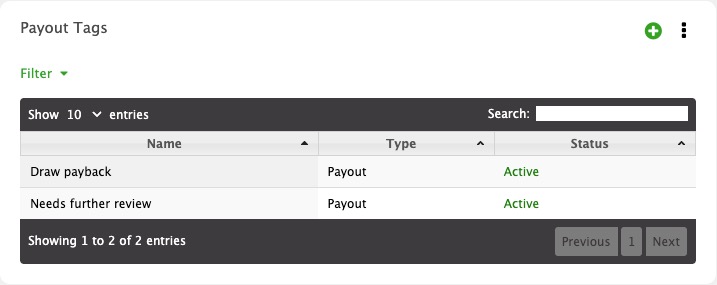
Payout Tags
Payout Tags are custom tags used to define certain Payouts.
Reports
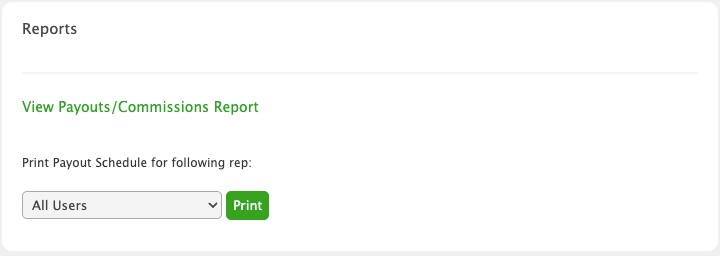
Click the View Payouts/Commissions Report to view (permission required)
Print Payout Schedule
Printing a Payout Schedule for a rep will display all payout rules that apply to the rep. It answers the question "How exactly to I get paid at this Company?"