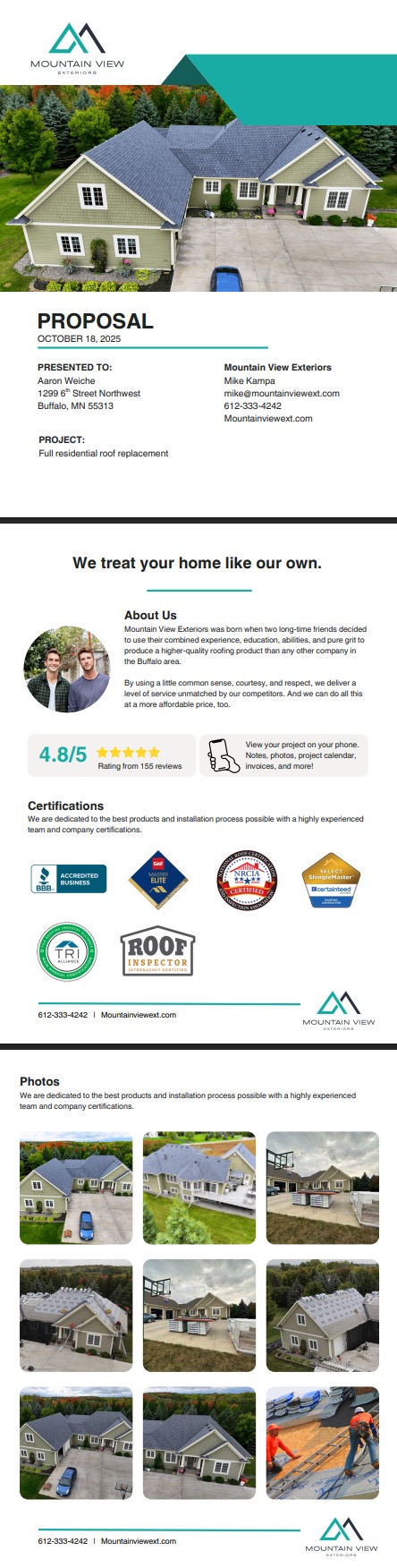
Proposals Overview
Proposals are a collection of estimates, albums, and custom documents organized in a unified document. It is best to create documents, estimates and albums prior to making a proposal.
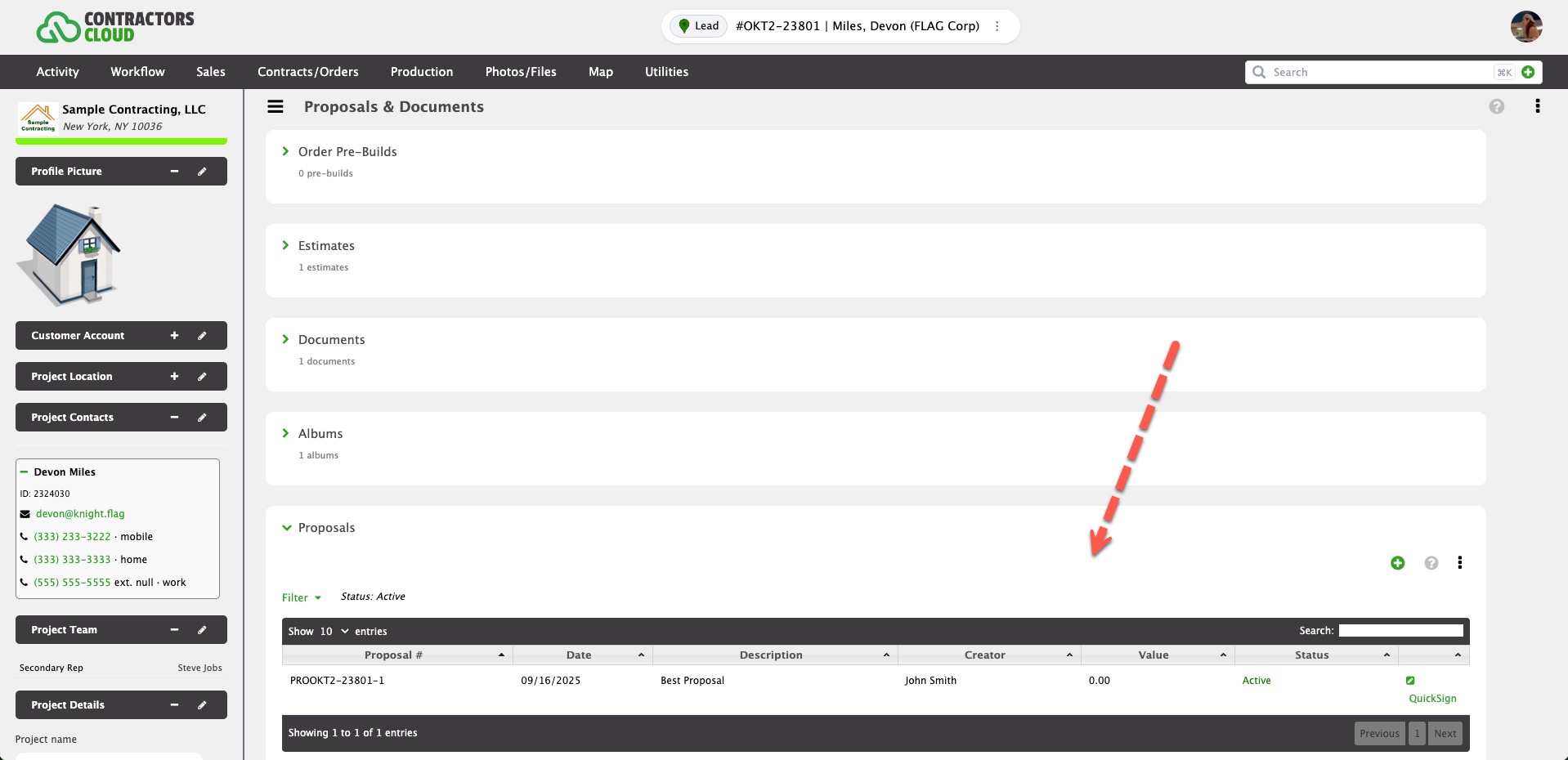
Details
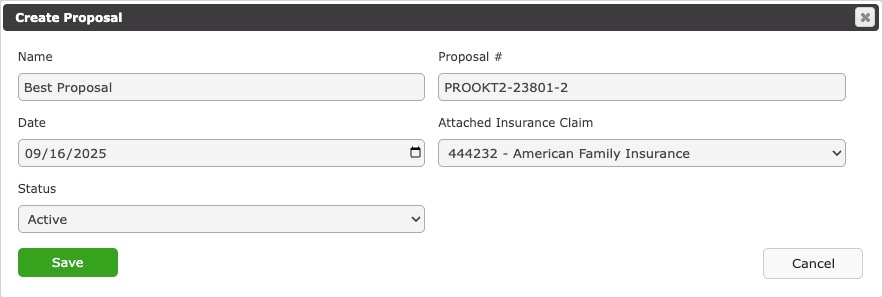
Name # (required)
The name of the Proposal.
Proposal # (required)
The number, or string, that identifies the Proposal. This will default to a number based on the Project Number, if applicable.
Date (required)
The date the Proposal was created.
Attached Insurance Claim (optional)
This is where you link a Project Insurance Claim to the Document. By doing this, any insurance claim info can be shown on the printed documents.
Status (required)
This is where an Document is marked Active or Inactive. Only Active Documents can be used in Proposals.
Settings
These are settings that govern how a proposal looks.
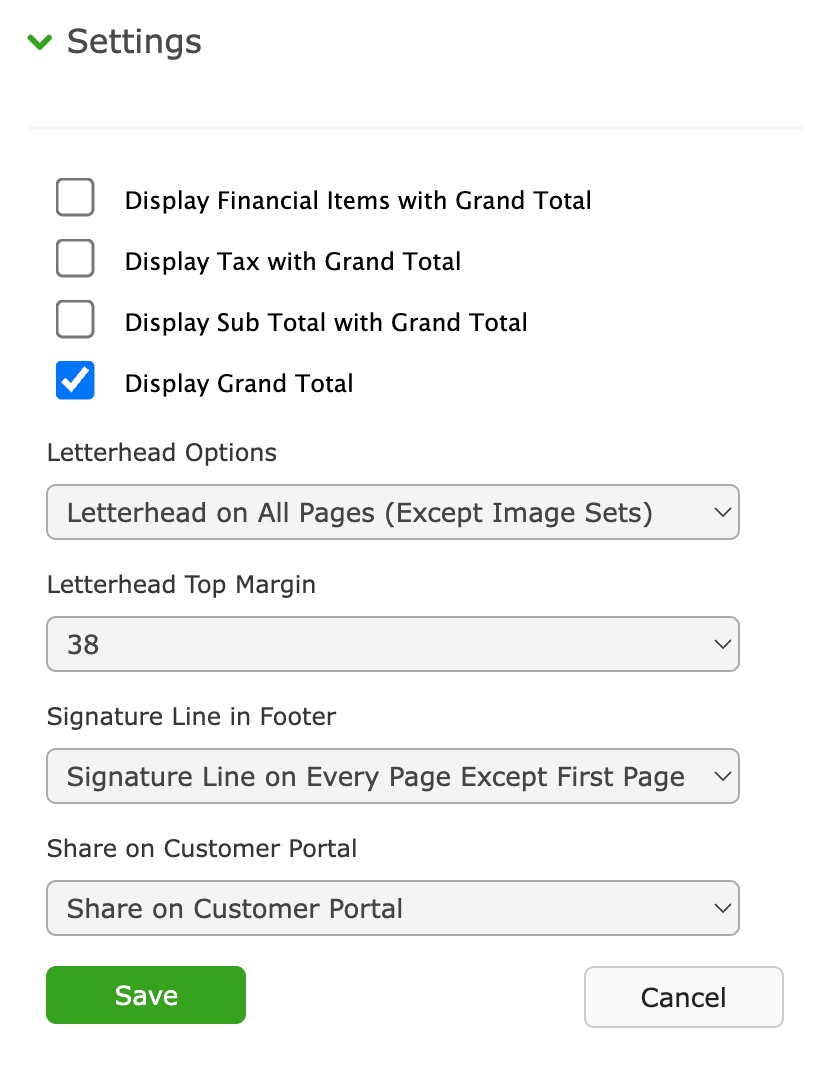
Display Financial Items with Grand Total
If enabled, all custom financial items for all included estimates will be listed in the Grand Total summary.
Display Tax with Grand Total
If enabled, a total for all tax for all included estimates will be listed in the Grand Total summary.
Display Sub Total with Grand Total
If enabled, a sub total will be listed in the Grand Total summary.
Display Grand Total
If enabled, the Grand Total summary will be printed.
Letterhead Options
- No Letterhead (Use System Logo/Info) - Your uploaded logo and company information will be the letterhead.
- Letterhead on First Page Only - A blank space for your own letter stock will be provided only on the first page.
- Letterhead on All Pages (Except Albums) - A blank space for your own letter stock will be provided on all pages, except for photo albums.
Letterhead Top Margin
This is the height of the blank space to be provided in font size for the Letterhead options above.
Signature Line in Footer
This will print a User signature line at the end of the Proposal. Signature lines are managed either in Settings, Company Settings, Staff or Settings, Users, Companies (both require permission).
Share on Customer Portal
This will share the proposal print-out in the Customer Project Portal.
Proposal Items
Proposal Items are a combination of Documents, Estimates, and Albums.
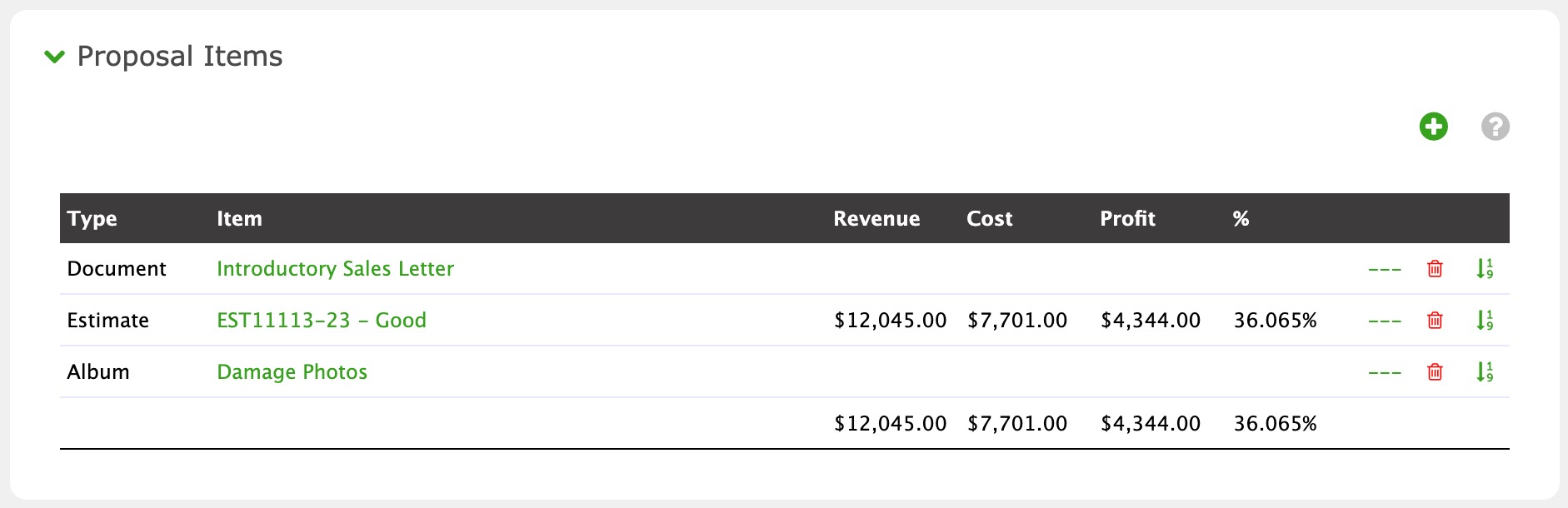
Revenue, Cost, Profit, and % are the sum totals for all estimates included within the Proposal. This gives the User an idea of the Proposal value.
Comments
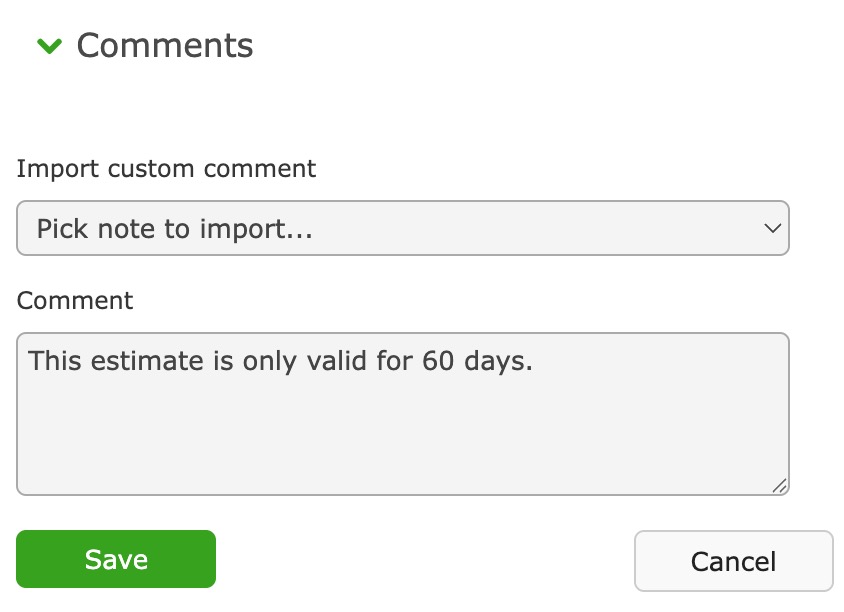
Comments are blocks of text that are printed at the end of the Proposal. Custom Estimate Comments are created for import within Settings, Company Settings, Estimate Customization (permission required).
Project Notes
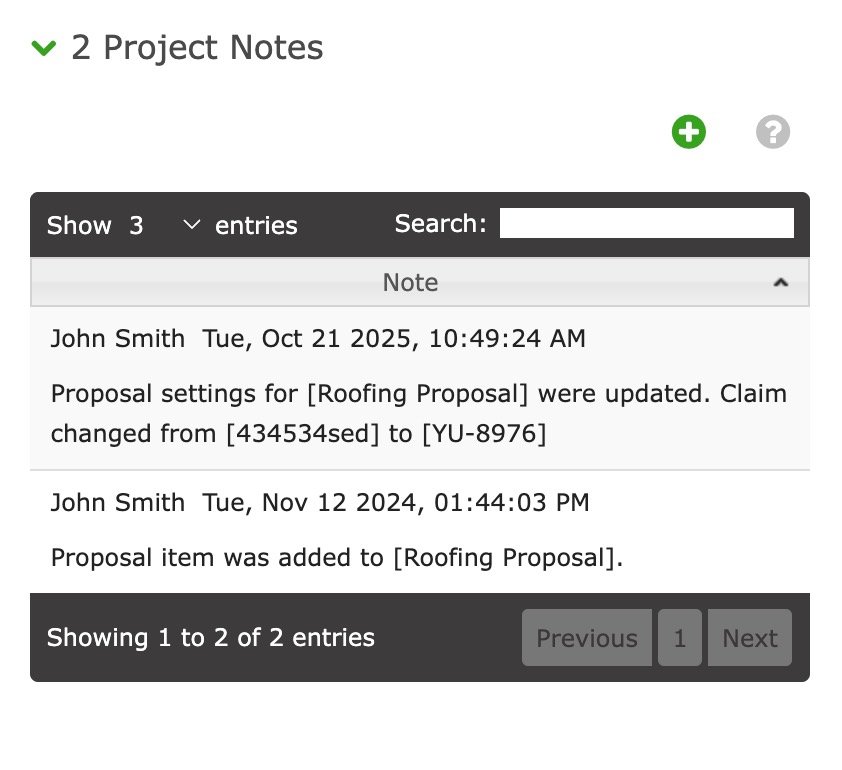
These are Project notes documenting any changes to the Proposal.
Utilities
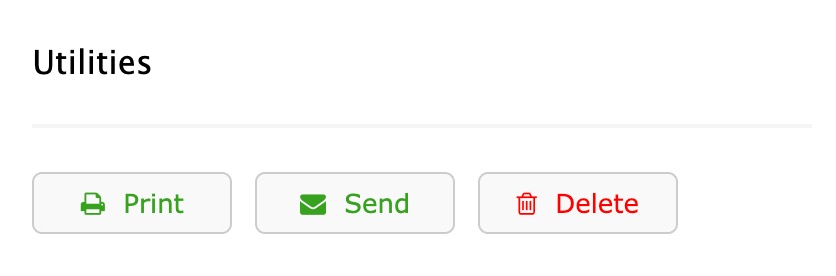
This is where you Print, Send (email), or Delete a Proposal. Click the Print button to view the Proposal.
Upcoming Changes in 2026
We are planning to release custom Proposal styles in early 2026. Contact your Contractors Cloud account rep to provide ideas and feedback.