
Proposals & Documents
The Proposals & Documents tab on a project is where everything you send a customer about the job is built and kept: proposals, the documents and estimates inside them, photo albums, and the order pre-builds that turn estimates into orders. This page is a map. Each card links to a full article.
The tab saves time because proposals are assembled in one place. You no longer need to create documents, estimates and albums first: the proposal's Insert section menu can create them as you go.
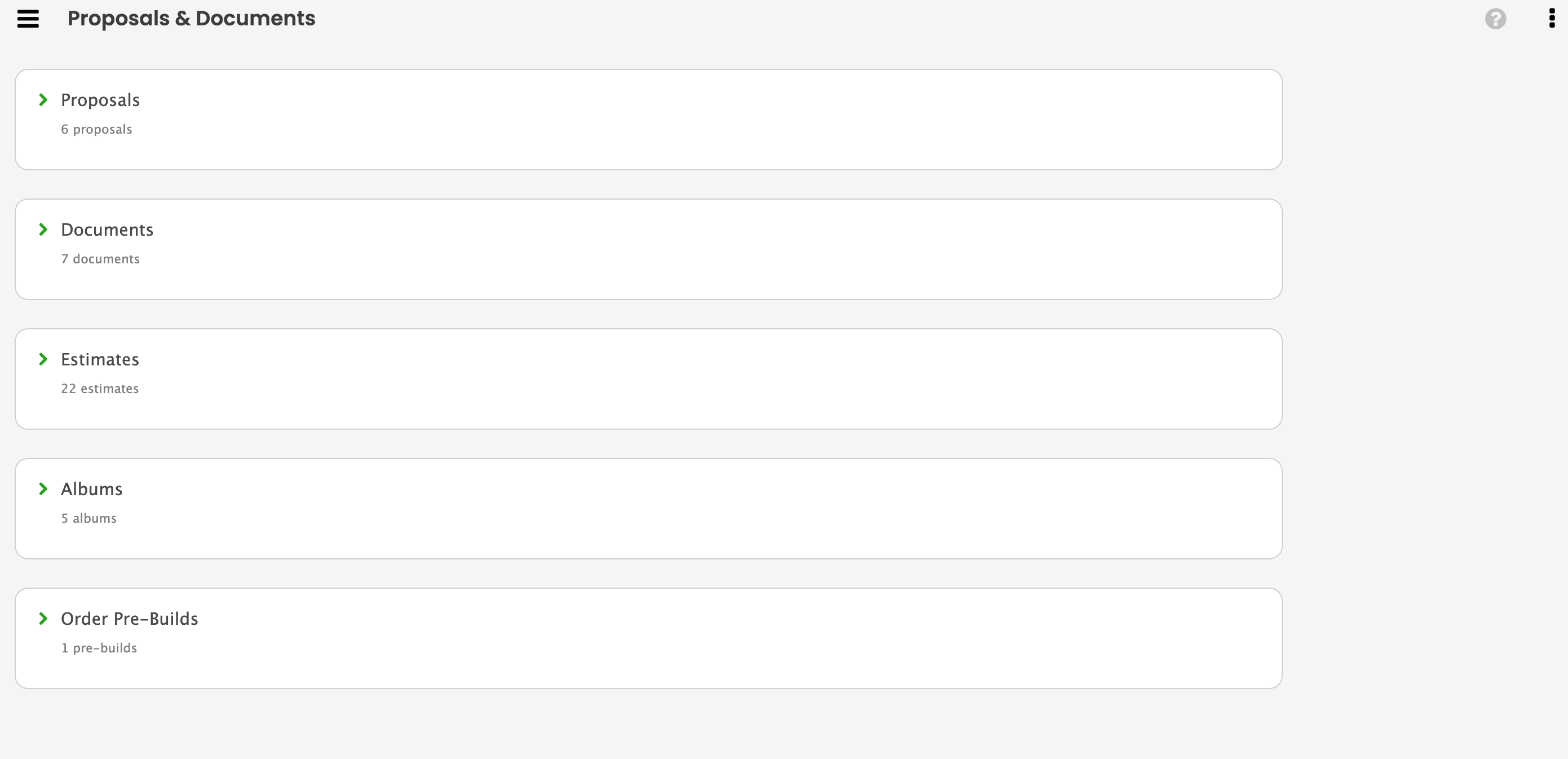
The cards on this tab
Proposals
The customer-facing package: documents, estimates and albums in order, with Preview, Print settings, email and QuickSign. Click the green plus and choose Add proposal. See Proposals.
Documents
Pages of text for this project: letters, scopes of work, signature blocks. Choose Add document for a blank one or Import template to start from a company template. See Project Documents. Templates are managed by company executives in Settings, Company Settings, Projects, Document Templates; see Document Templates.
Estimates
The materials, items and labor that make up your price. Use Add estimate for one, Estimate Builder to create several at once from material lists, or Import estimate. See Estimates Overview and Estimate Builder Overview.
Albums
Collections of project photos that can be added to a proposal. Albums are created and managed from Project Photos. See Project Photos & Albums and Albums Overview.
Order Pre-Builds
Criteria that automatically convert estimates into Work Orders and Material Orders. See Order Pre-Builds Overview.
The Expand sections and Reduce sections choices in the page menu open or collapse all the cards at once. The ? icon on each card gives a short summary.
How it fits together
- Build the price in an estimate.
- Write any supporting text as a document.
- Add them, with any photo albums, as sections of a proposal.
- Preview, then print, email or send the proposal for signature.